Assign
Set out the task and who is responsible.
Clear assignments. A record of the working day.
Bring tasks, reported time and progress photographs into the job, so the office and site have a shared record to work from.
Built for the trade. By the trade.
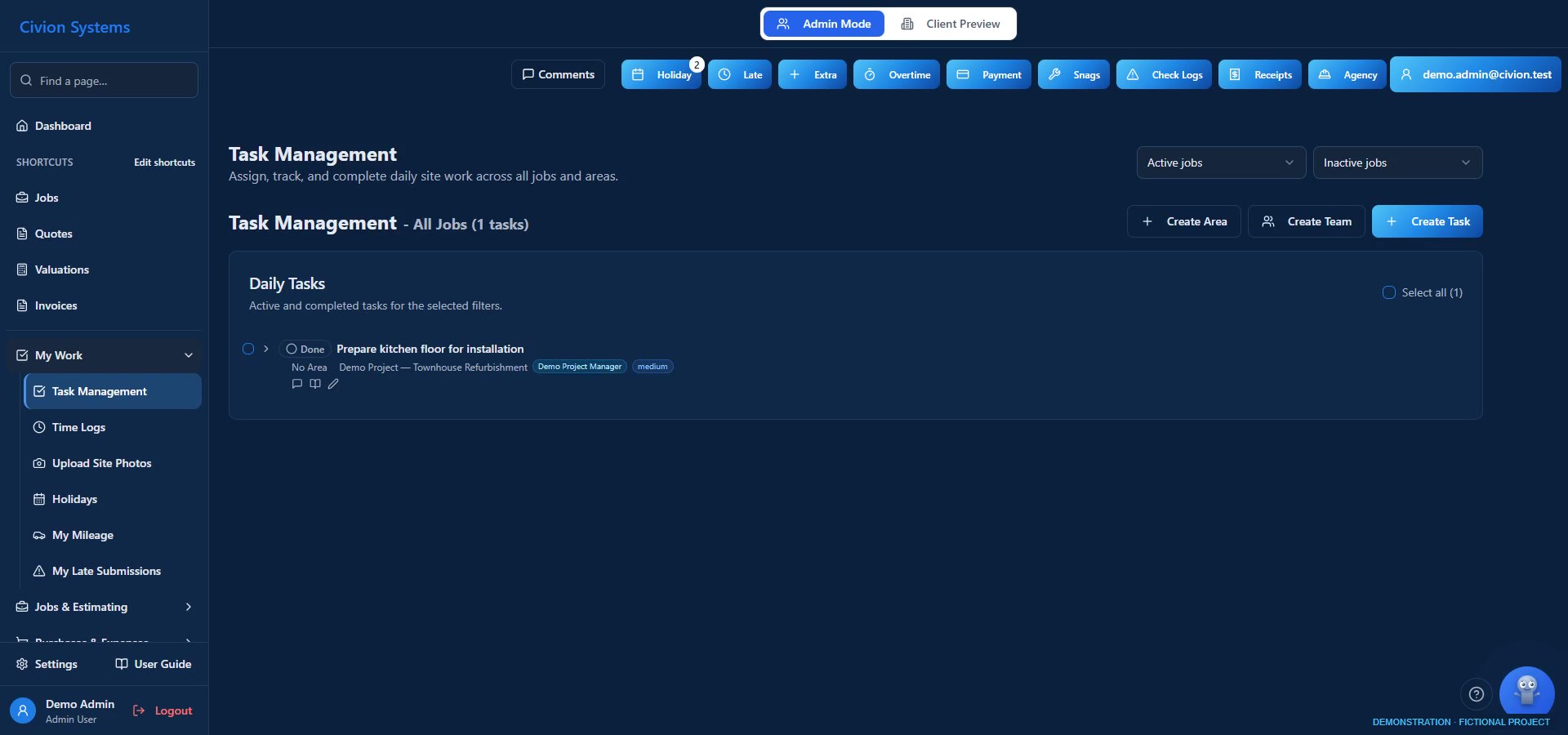
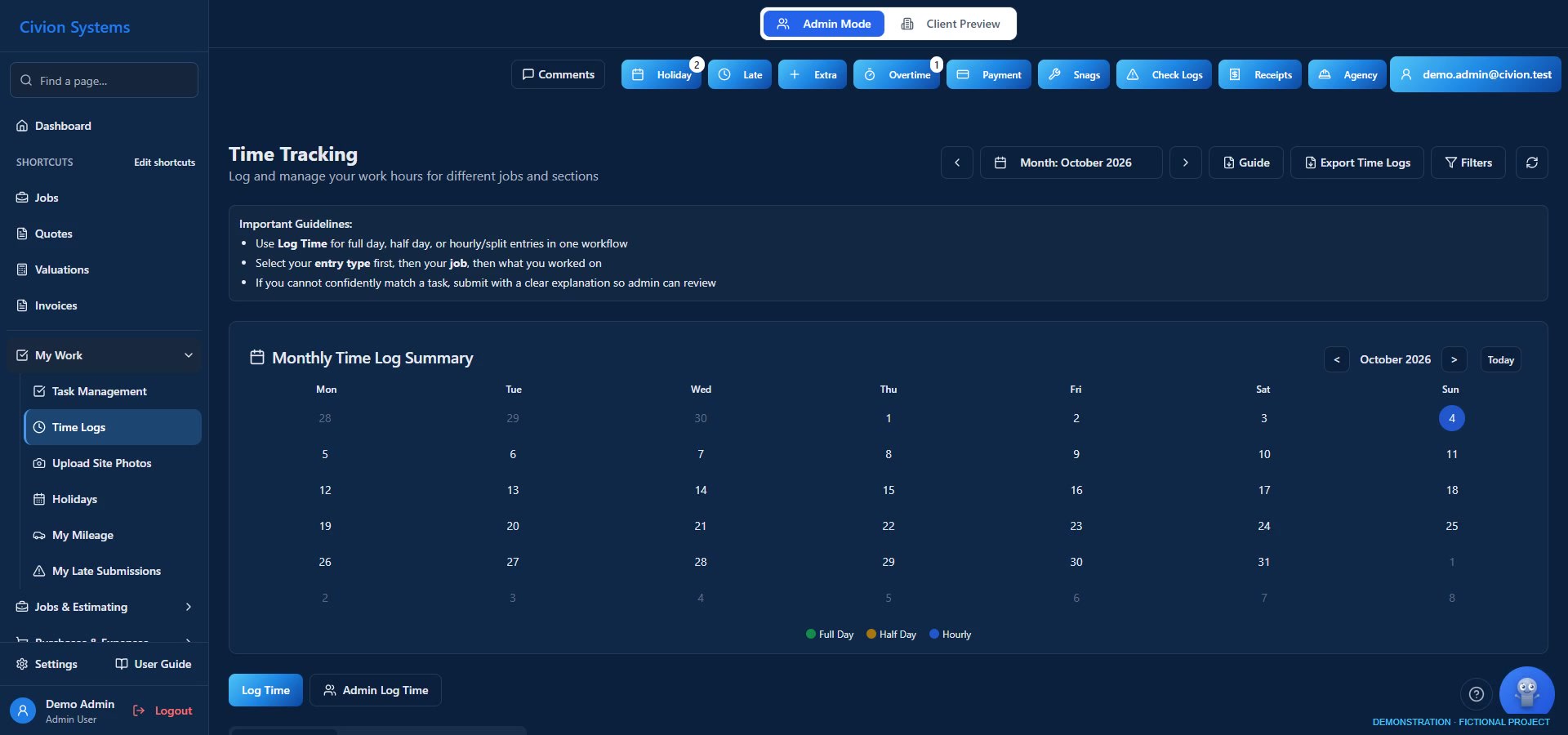
Actual app screen · fictional demonstration data.
01 / Site management
Keep assignments, notes and task progress together. Give the team somewhere to revisit the detail when questions arise, instead of reconstructing instructions from separate messages.
Texts and discussions on site led to more questions and misunderstandings. We wanted the instruction to stay with the work.
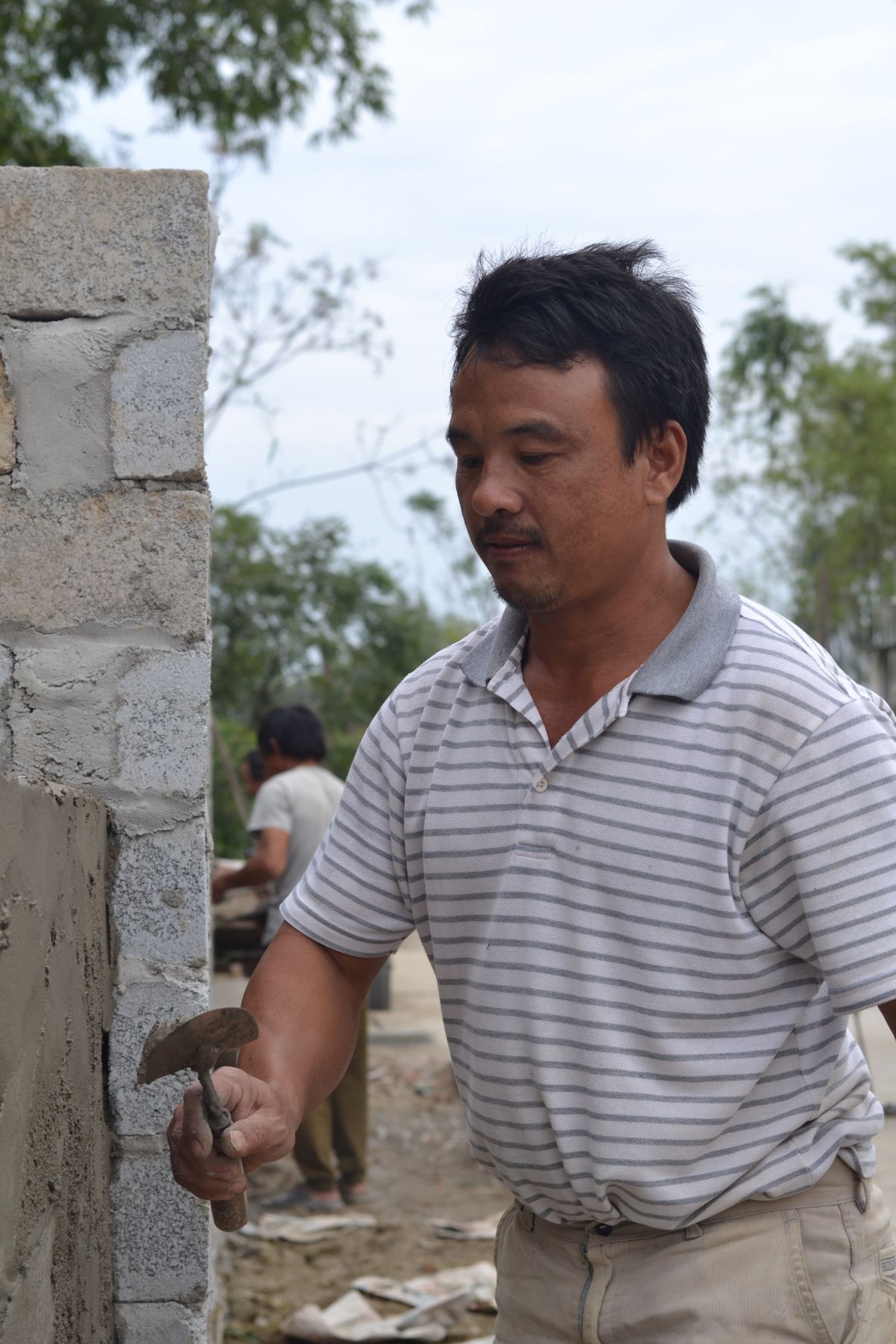
Illustrative photography. These are not Atlas projects or the fictional demonstration job.
02 / Site management
Employees submit time for review and approval. Keep photographs alongside the work and use reviewed records to support labour-cost and wage reporting. Agency time, holiday requests and mileage belong in the wider workflow too.
Keeping everyone’s hours on a phone was time-consuming and stressful. Missing a day created uncertainty about wages. Sharing the recording with employees gave us a clearer basis for review.
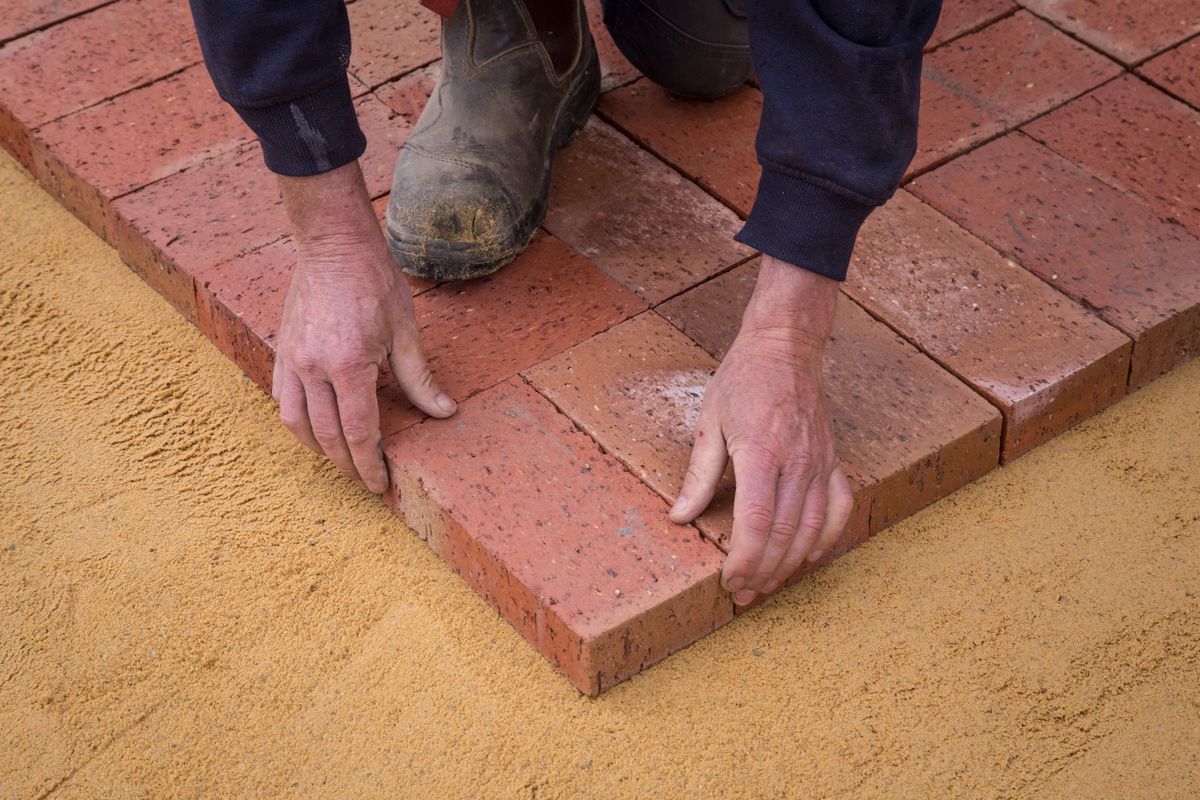
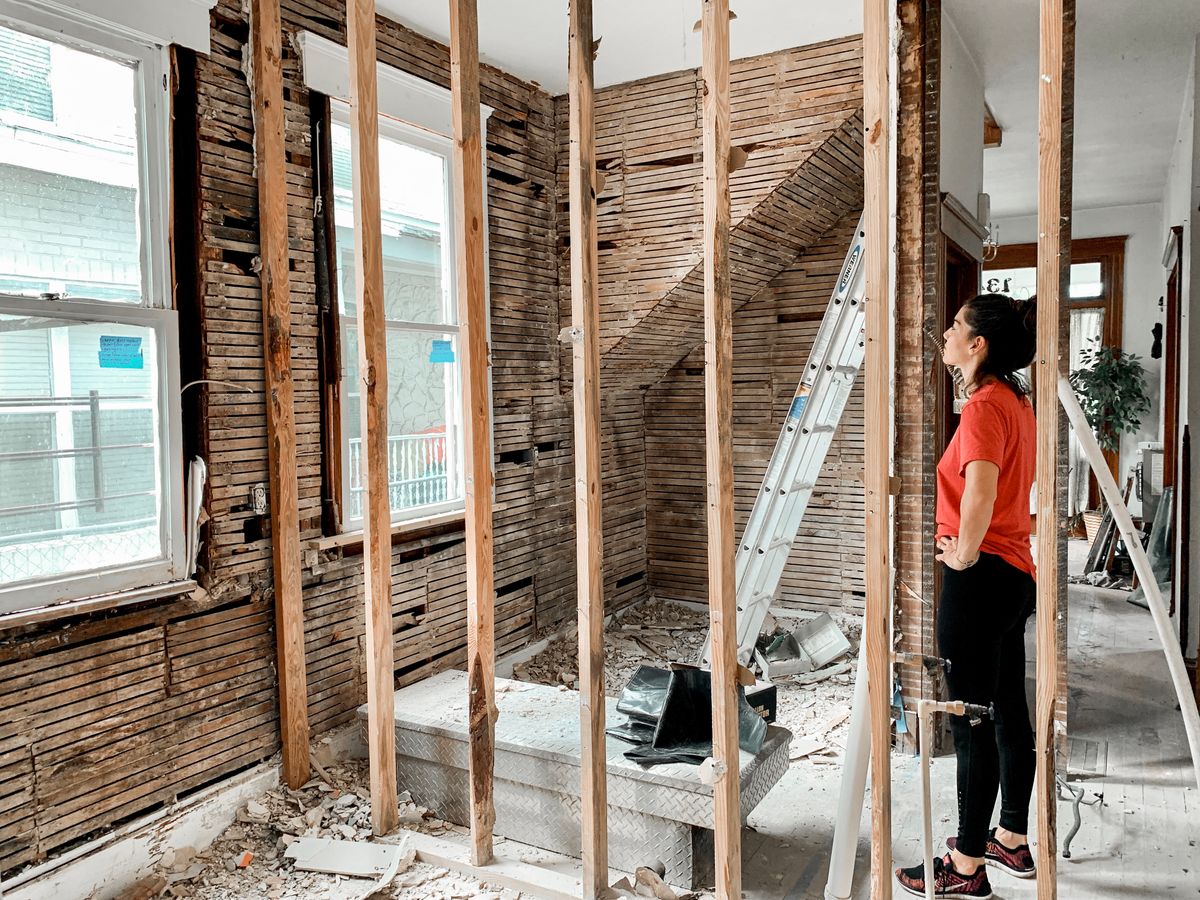
Illustrative photography. These are not Atlas projects or the fictional demonstration job.
Follow a fictional townhouse refurbishment
Set out the task and who is responsible.
Capture reported time, notes and photographs.
Check corrections and approve entries.
Use recorded labour costs in job review.
Illustrative workflow. Availability and permissions depend on your plan and company configuration.
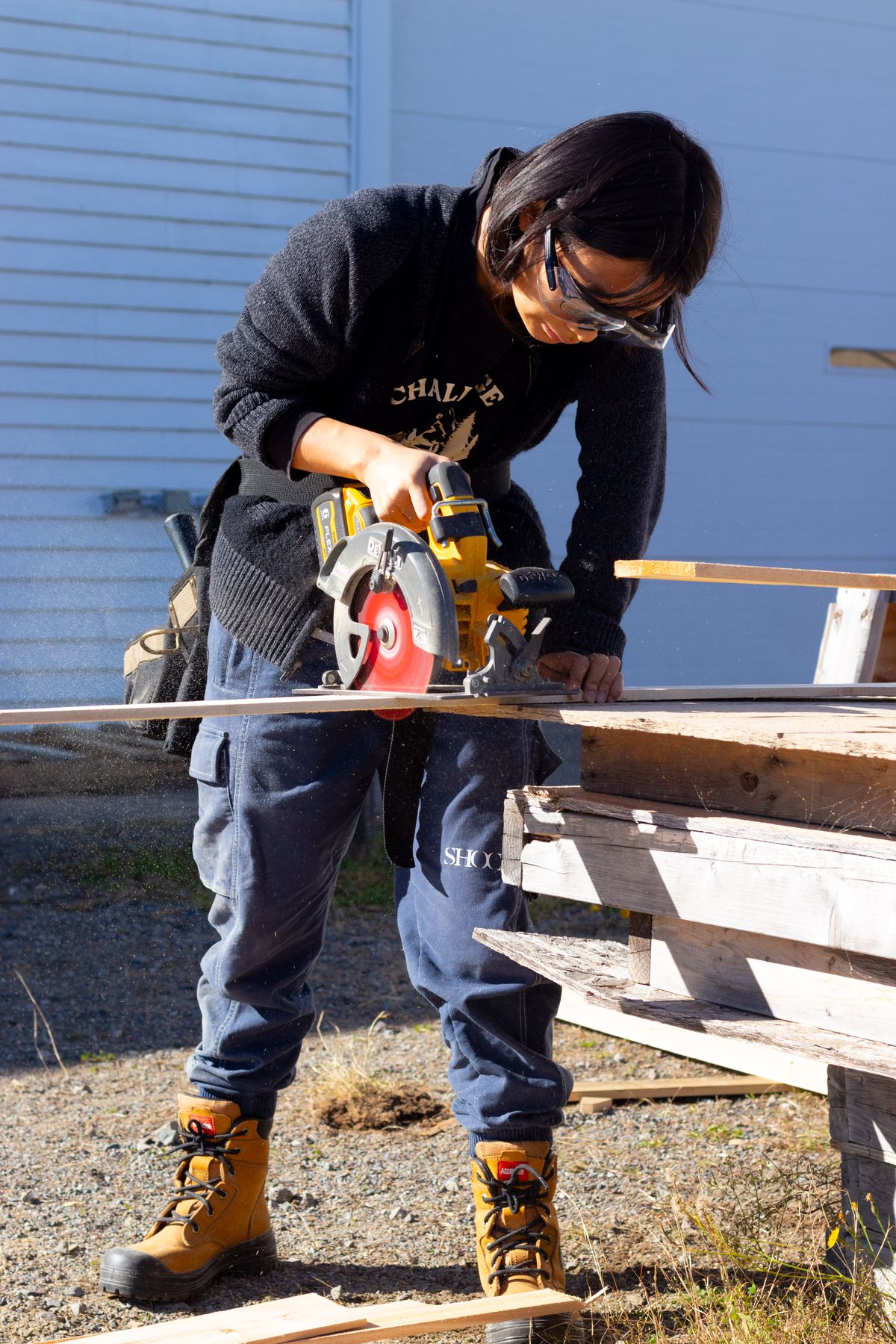
The work behind the records
Keep the task detail, reported time and photographs with the job, ready for the office to review.
Explore the connection ↗Illustrative photography. These are not Atlas projects or the fictional demonstration job.
Useful questions
Photographs are supporting records. Reported hours still need appropriate review and approval.
No. Civion supports time and wage reports; this page does not promise payroll processing.
Watch. Learn. Revisit.
Real app recordings with fictional records. Play when you’re ready; use full screen for the detail. Takeoff lessons have a spoken brand opener, then captioned instruction.
SHORT WALKTHROUGH · 24 SECONDS
A 24-second walkthrough of existing task records and site notes.
Read captions ↗
Built for the trade. By the trade.
Bring the instructions, progress and commercial detail into one company workspace. Give the team and client a clearer place to revisit the information shared with them.
Explore the site workflow ↗Built for the trade. By the trade.
Explore site management during your trial. Personal onboarding follows your first subscription payment.
This short recording shows existing fictional records, not a new message or notification.