Share
Choose project information the client can access.
A clearer relationship with the people you build for
Share project photographs and documents, show the work being charged and give clients a place to raise snags—even when they’re away.
Built for the trade. By the trade.
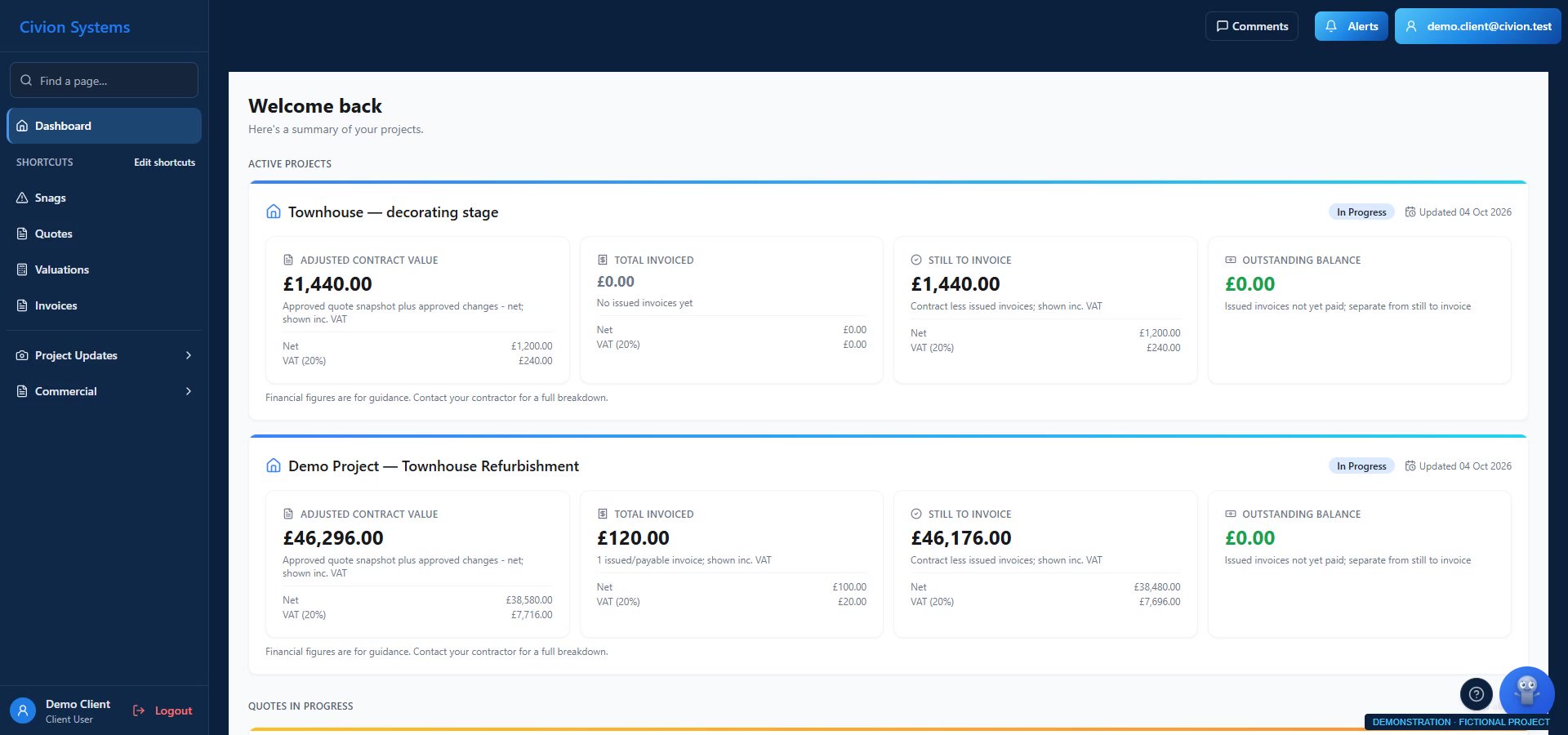
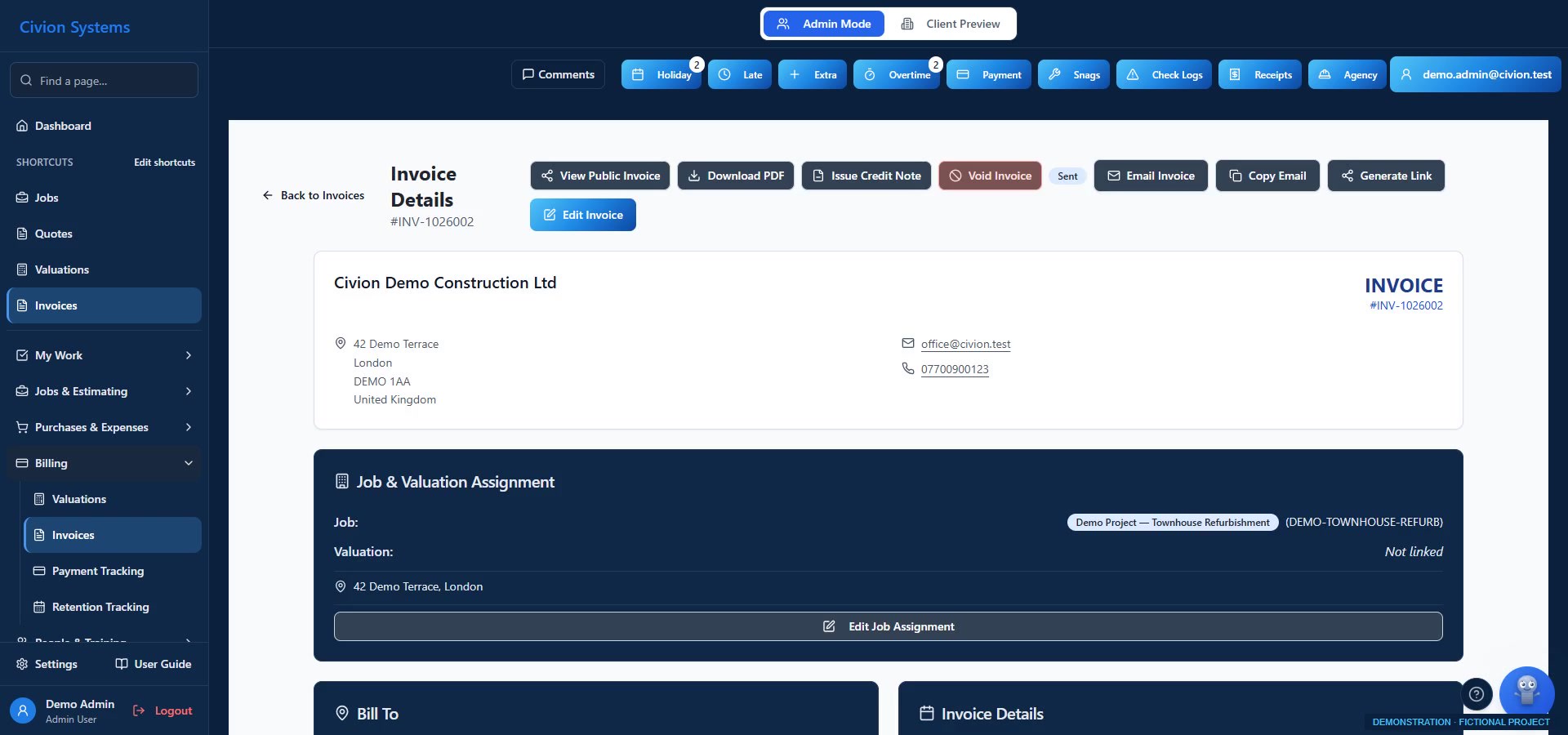
Actual app screen · fictional demonstration data.
01 / Client communication
Give assigned clients access to the project information you share. Progress photographs help them follow the work without being on site; documents remain easier to revisit than a scattered email thread.
A client working overseas could follow progress through the photographs. It didn’t eliminate calls, but clearer information reduced disagreements.
Illustrative photography. These are not Atlas projects or the fictional demonstration job.
02 / Client communication
Keep quoted items, published commercial documents and payments understandable. Clients can review the information shared with them and record snags for your team to review and assign.
On a project, £21,000 of steel supply had been omitted from the quote. The itemised records helped us explain the omission and recover the cost through discussion with the client. That was our experience, not an automatic entitlement to payment.


Illustrative photography. These are not Atlas projects or the fictional demonstration job.
Follow a fictional townhouse refurbishment
Choose project information the client can access.
Let them review photographs and documents.
Explain scope, changes and payment requests.
Review reported snags and assign the work.
Illustrative workflow. Availability and permissions depend on your plan and company configuration.

The work behind the records
A finish, a changed layout or an extra item has a cost behind it. Share the relevant project records so clients can review what is proposed.
Explore the connection ↗Illustrative photography. These are not Atlas projects or the fictional demonstration job.
Useful questions
Clients have a role-based, assigned view of shared information. The portal is not unrestricted access to your company records.
They can record an issue through the supported client workflow. Your team then reviews it and assigns the appropriate work.

Built for the trade. By the trade.
Bring the instructions, progress and commercial detail into one company workspace. Give the team and client a clearer place to revisit the information shared with them.
Explore the site workflow ↗Built for the trade. By the trade.
Explore client communication during your trial. Personal onboarding follows your first subscription payment.