Capture
Record labour, purchases and proposed extras.
The commercial picture behind the build
Bring labour, purchases, approved changes and billing into context. Understand job performance beyond the balance in the bank.
Built for the trade. By the trade.
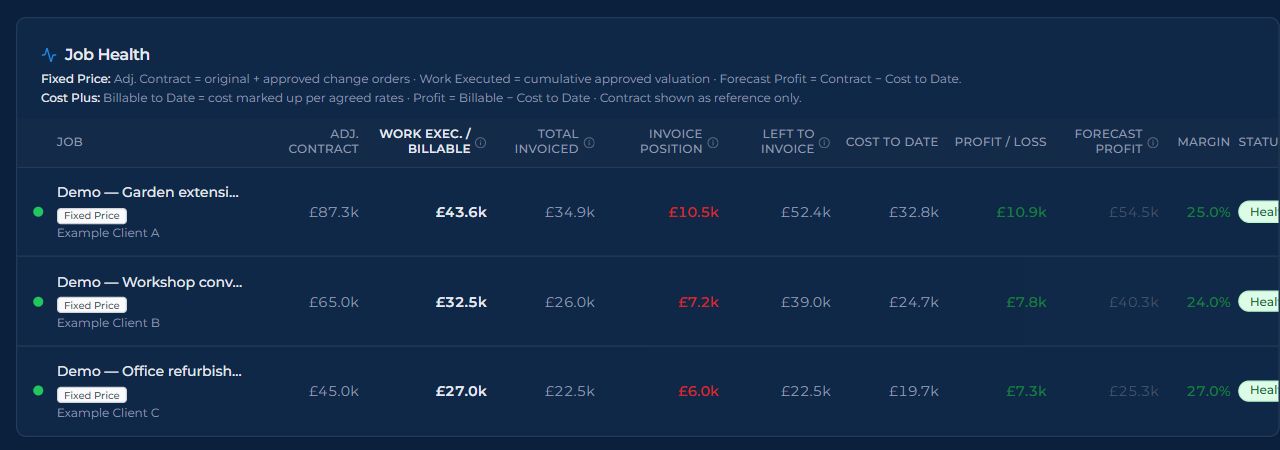
Actual app screen · fictional demonstration data.
01 / Job costs & changes
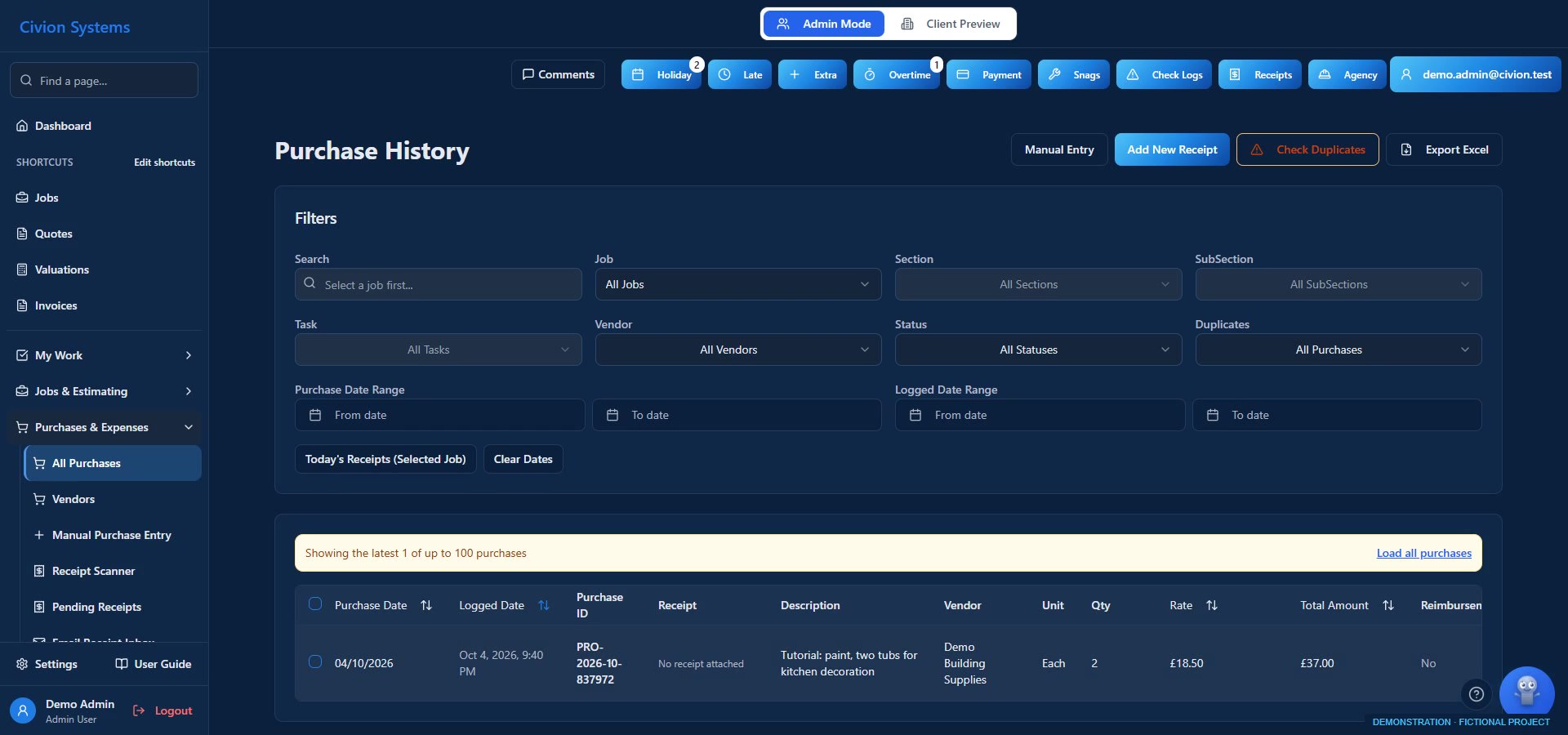
Review purchases and receipts, allocate them to the right job and see them alongside recorded labour. Your financial picture depends on complete, correctly entered costs and commercial values.
We had a pile of receipts for the accountant, but no useful way to see which job they belonged to. Once costs came together, we could finally review profit and loss by job.
Illustrative photography. These are not Atlas projects or the fictional demonstration job.
02 / Job costs & changes
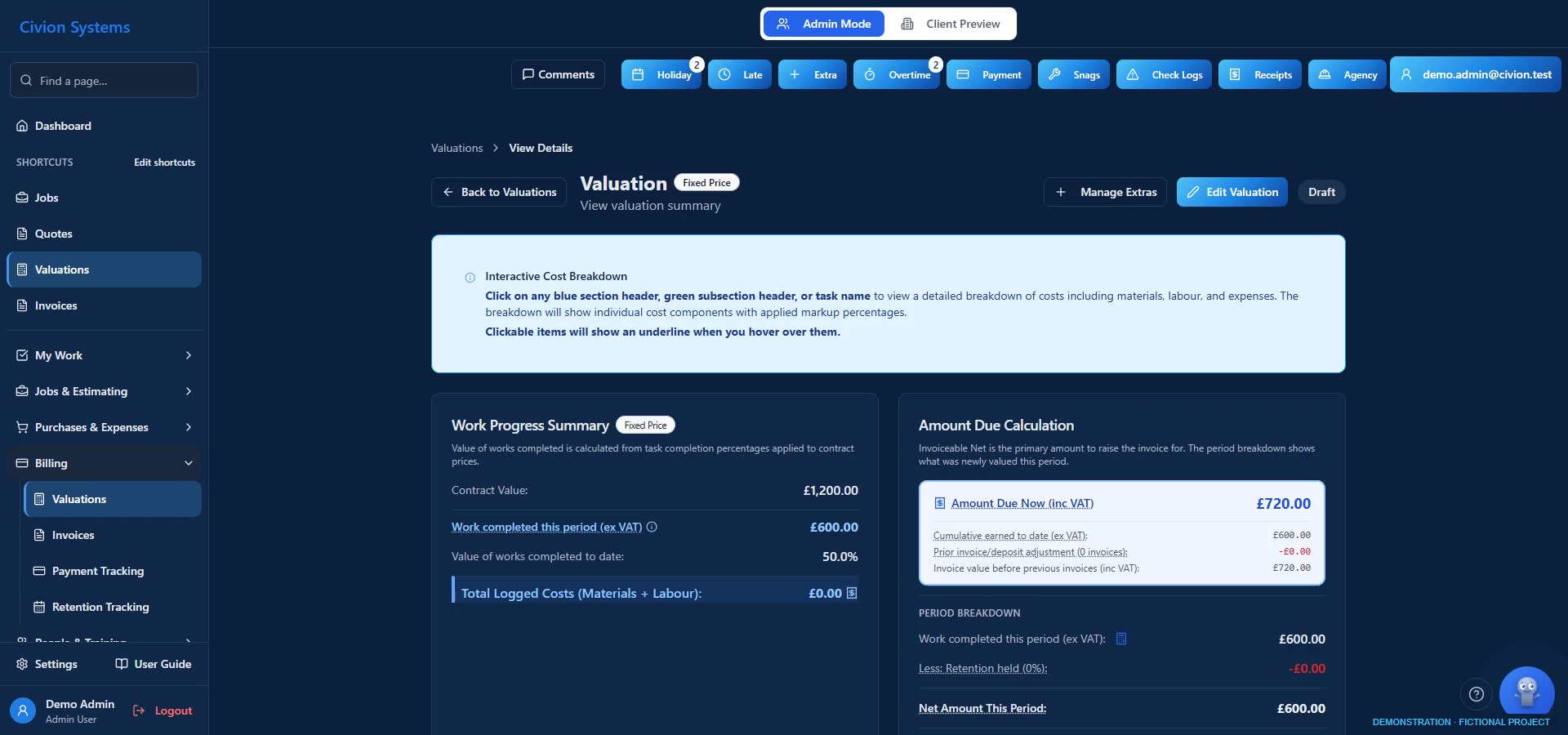
Price the change, record the client’s decision and carry approved work into the relevant valuation workflow. Create invoices from supported workflows and follow payments and outstanding balances.
One job changed throughout: finishes, bathroom layouts, first-floor alterations and an added loft conversion. Managing change orders and valuations was critical to keeping the job commercially viable.

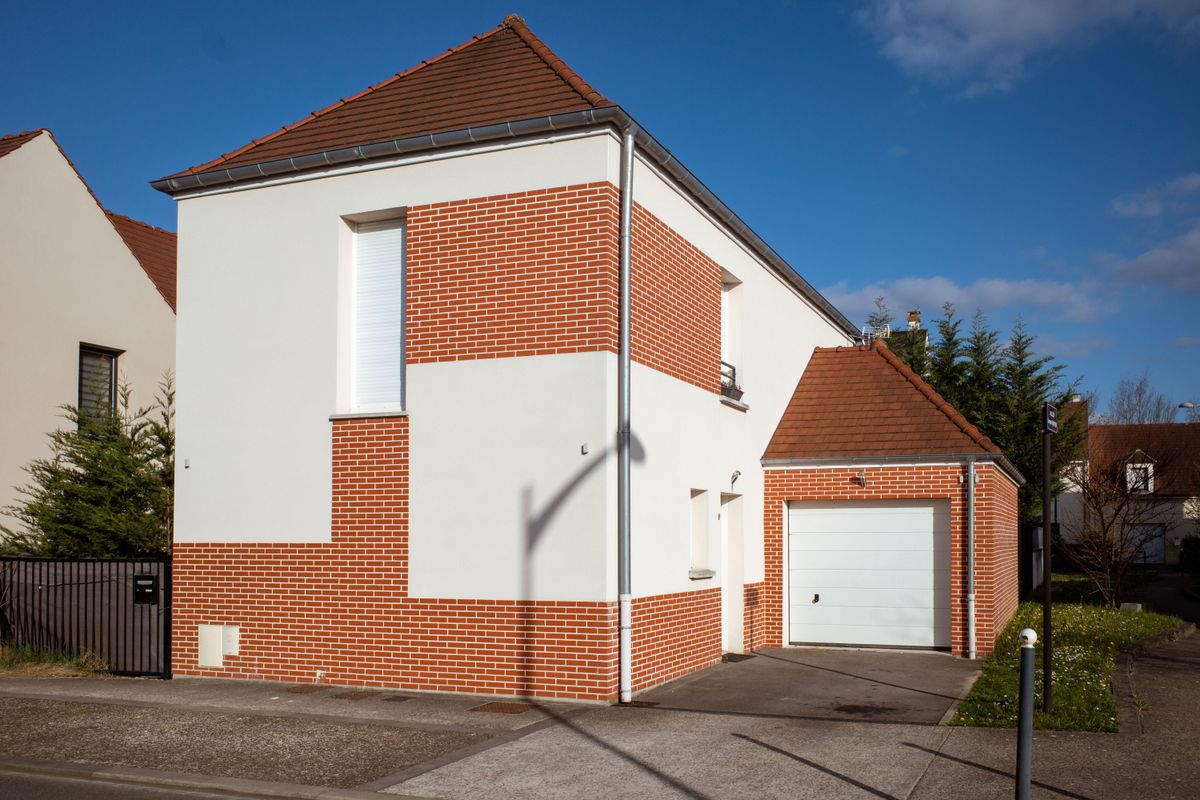
Illustrative photography. These are not Atlas projects or the fictional demonstration job.
Follow a fictional townhouse refurbishment
Record labour, purchases and proposed extras.
Review and approve priced scope changes.
Value the relevant work and create invoices.
Consider costs, profit and cash received separately.
Illustrative workflow. Availability and permissions depend on your plan and company configuration.
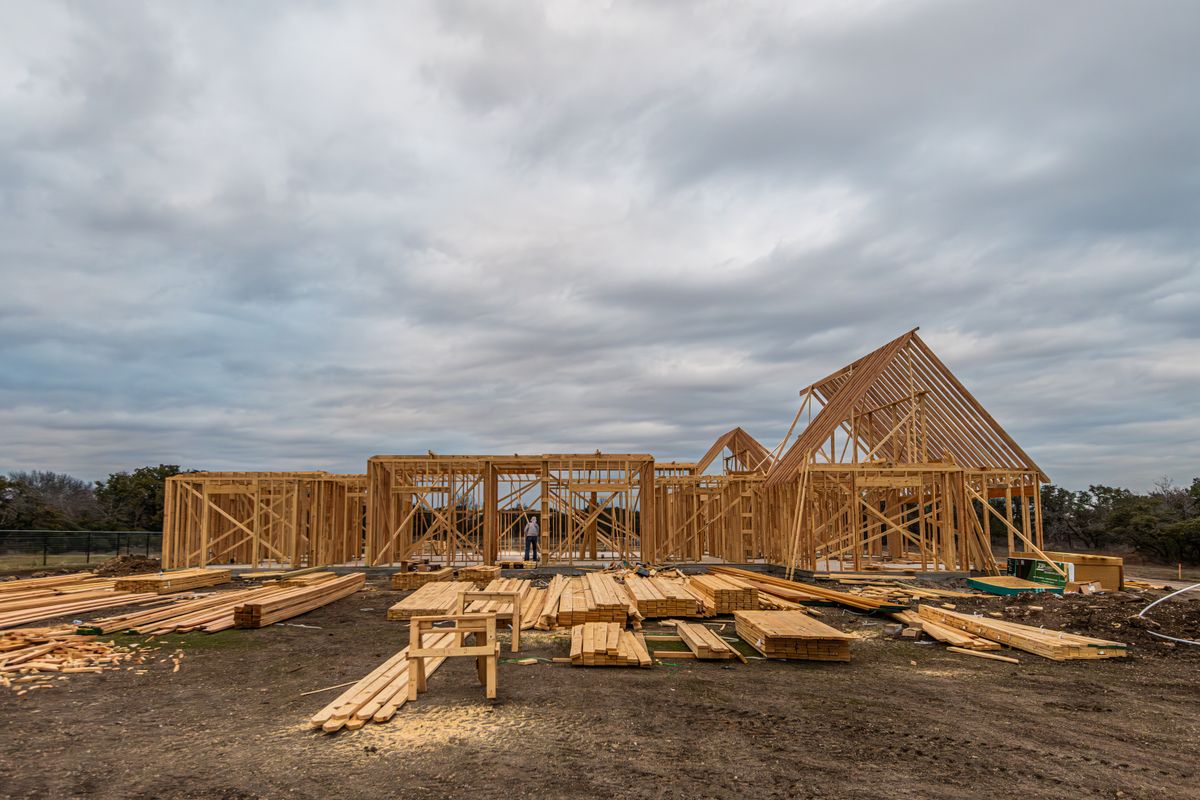
The work behind the records
Connect recorded purchases and labour with the job’s commercial values. Give the cost of the work context as it develops.
Explore the connection ↗Illustrative photography. These are not Atlas projects or the fictional demonstration job.
Useful questions
No. It records the agreement and supports the commercial discussion. Payment remains subject to the contract and circumstances.
No. Recorded costs, valued work, invoicing and payments are distinct measures. The dashboard must be understood in that context.

Built for the trade. By the trade.
The drawings, prices and job records belong together. Civion brings the everyday work into one place, so you can spend less time piecing it back together.
Follow a job through Civion ↗Built for the trade. By the trade.
Explore job costs & changes during your trial. Personal onboarding follows your first subscription payment.