1. Open and scale your PDF
Use your own drawing or start with the sample. Calibrate a known dimension and check the scale.
For small building firms doing their own estimating
50% off your first 6 monthly payments
Sign up by 31 December 2026 (UK time) before this offer ends.
See discounted prices and full offer terms ↓Measure areas, lengths and counts from PDF plans. Link the quantities to your quote and price the work with your own rates.
The practice workspace needs no signup or card. Drawings and practice quotes stay in your browser tab and clear when you leave or reload.
14 days free. Card required. Your chosen plan renews automatically after the trial unless you cancel beforehand.
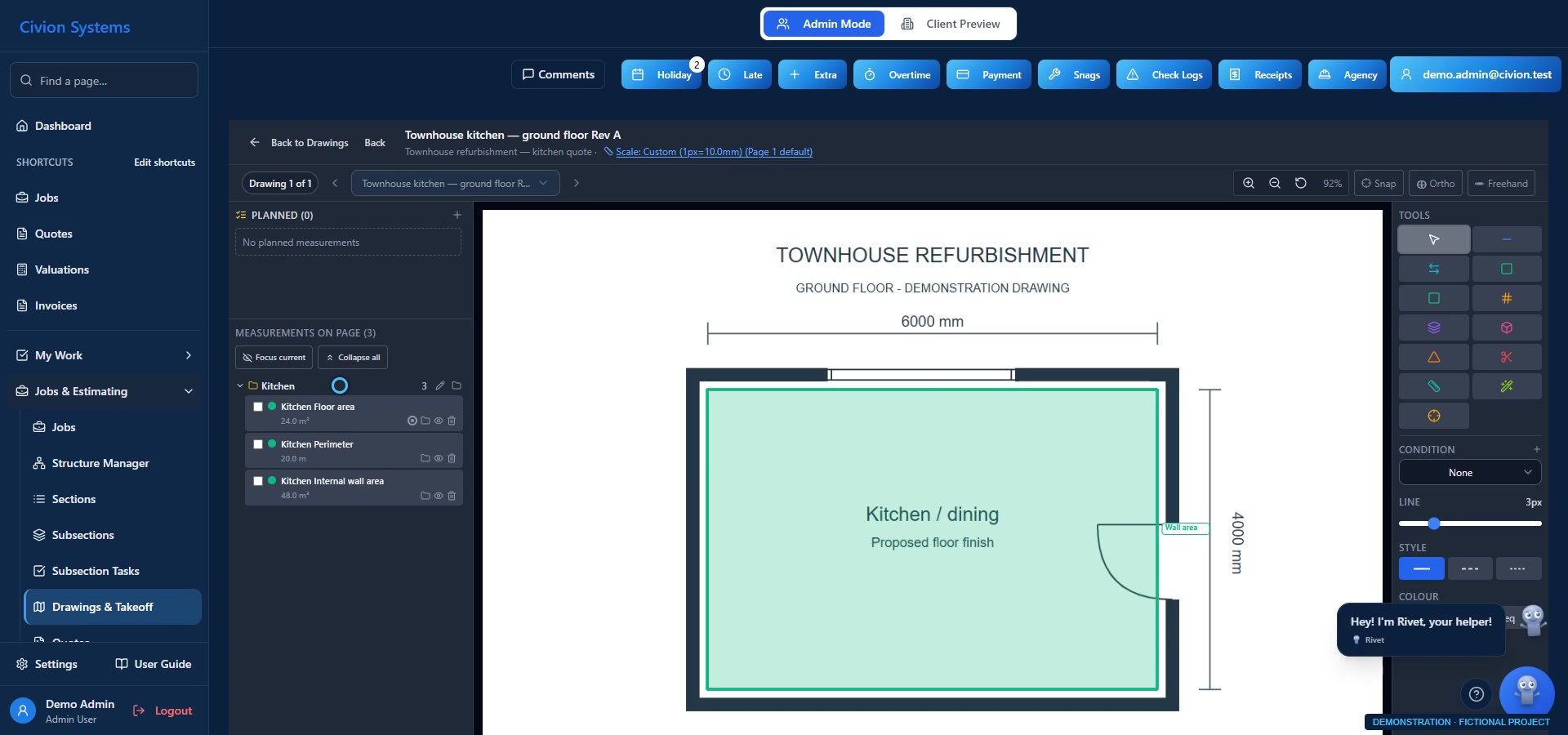
Use your own drawing or start with the sample. Calibrate a known dimension and check the scale.
Trace an area, measure lengths or count items. Name and save each measurement in your private practice space.
Add your cost rate and markup. Select compatible measurements, apply the quantity and review the cost and selling price.
Uses Civion’s measurement calculations in a focused practice tool. No access to company data, AI, sending or billing. Practice work does not transfer to a new account.
One job. Connected records.
Start with the quote, then keep the site records and commercial detail useful as the job progresses. These actual app screens use fictional demonstration records to illustrate the journey; they are not a continuous live transaction.
01 · Price the work
Calibrate your drawing, review measurements and link quantities to draft quote items. Reuse your own labour, materials and assemblies, then check the price before sharing.
Explore this workflow ↗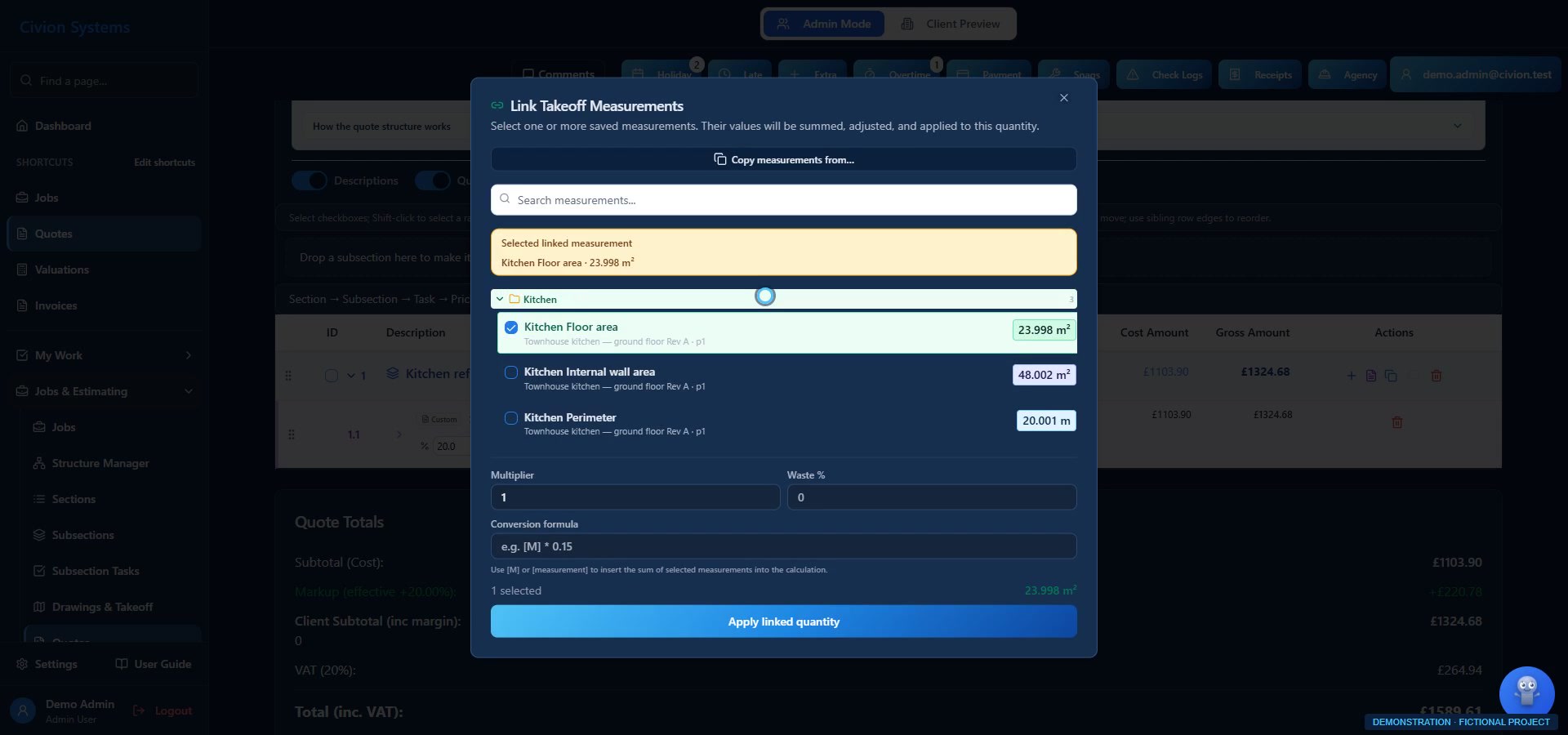
02 · Run the site
Organise tasks and assignments. Keep site photos, progress and notes with the work so the office and site have somewhere to return to.
Explore this workflow ↗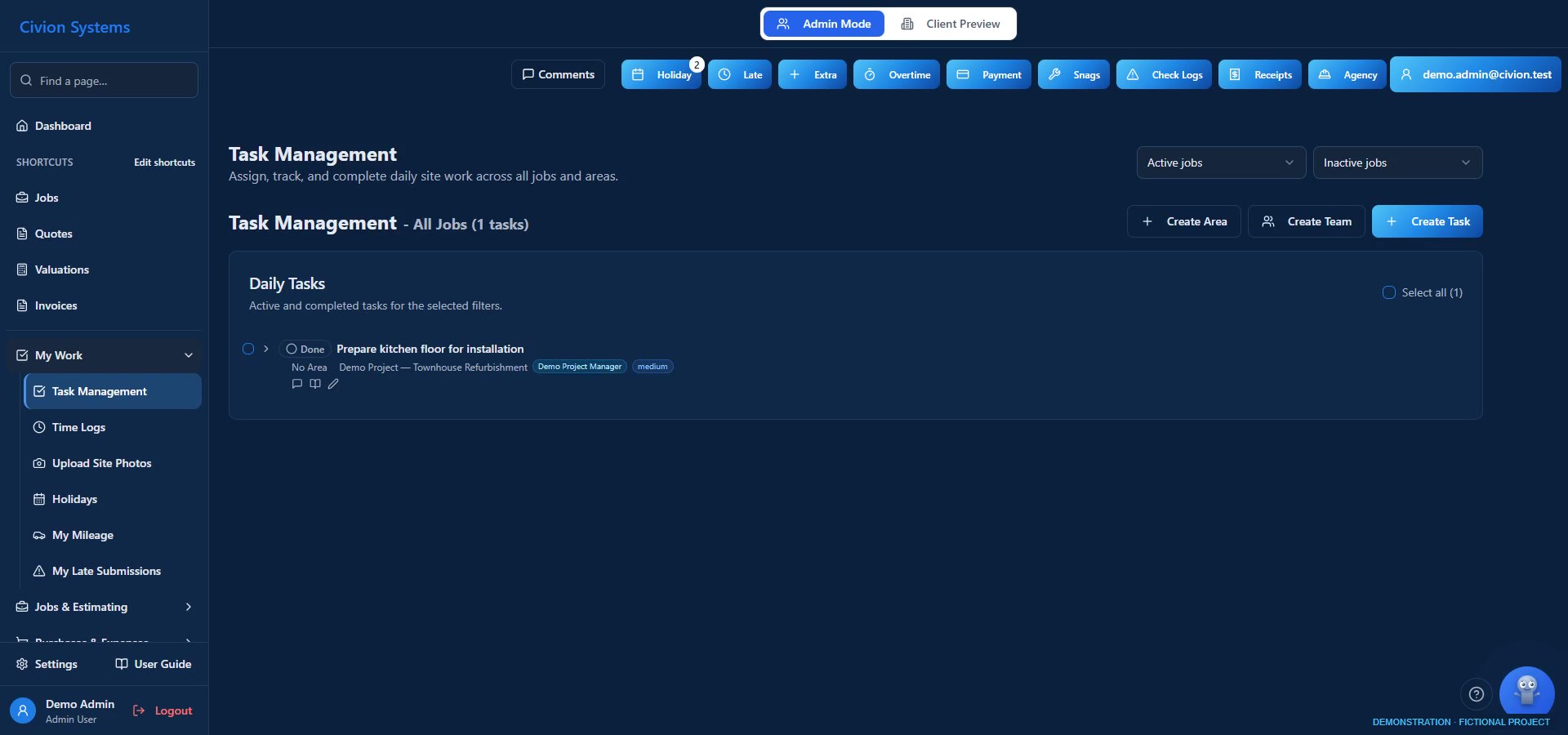
03 · Record the costs
Record employee and agency time, review approvals and allocate purchases and receipts. Cost review depends on the records entered and your configured rates.
Explore this workflow ↗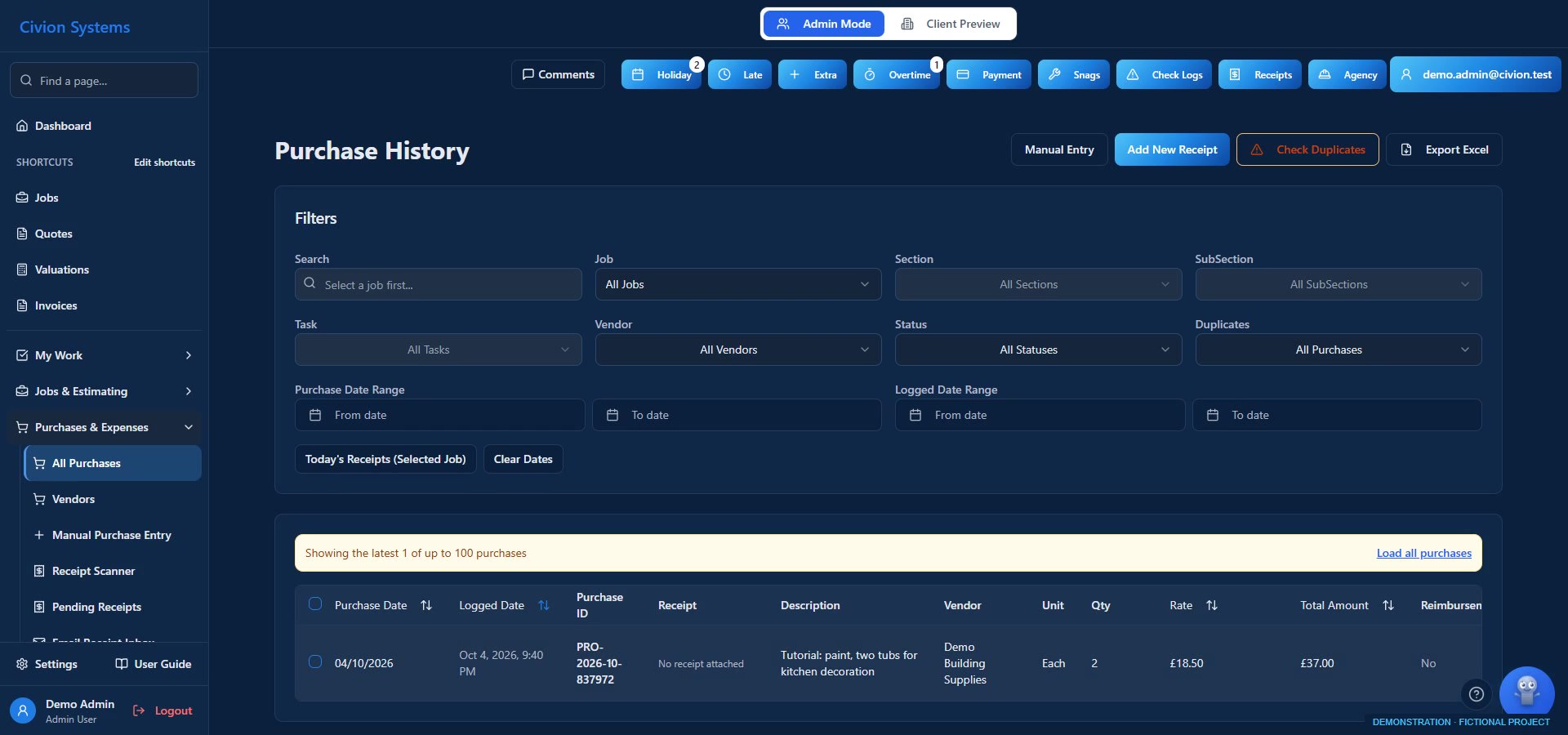
04 · Review the changes
Record changed scope and its logged costs. Review and price a change order, then follow approved changes into the appropriate valuation and billing workflow.
Explore this workflow ↗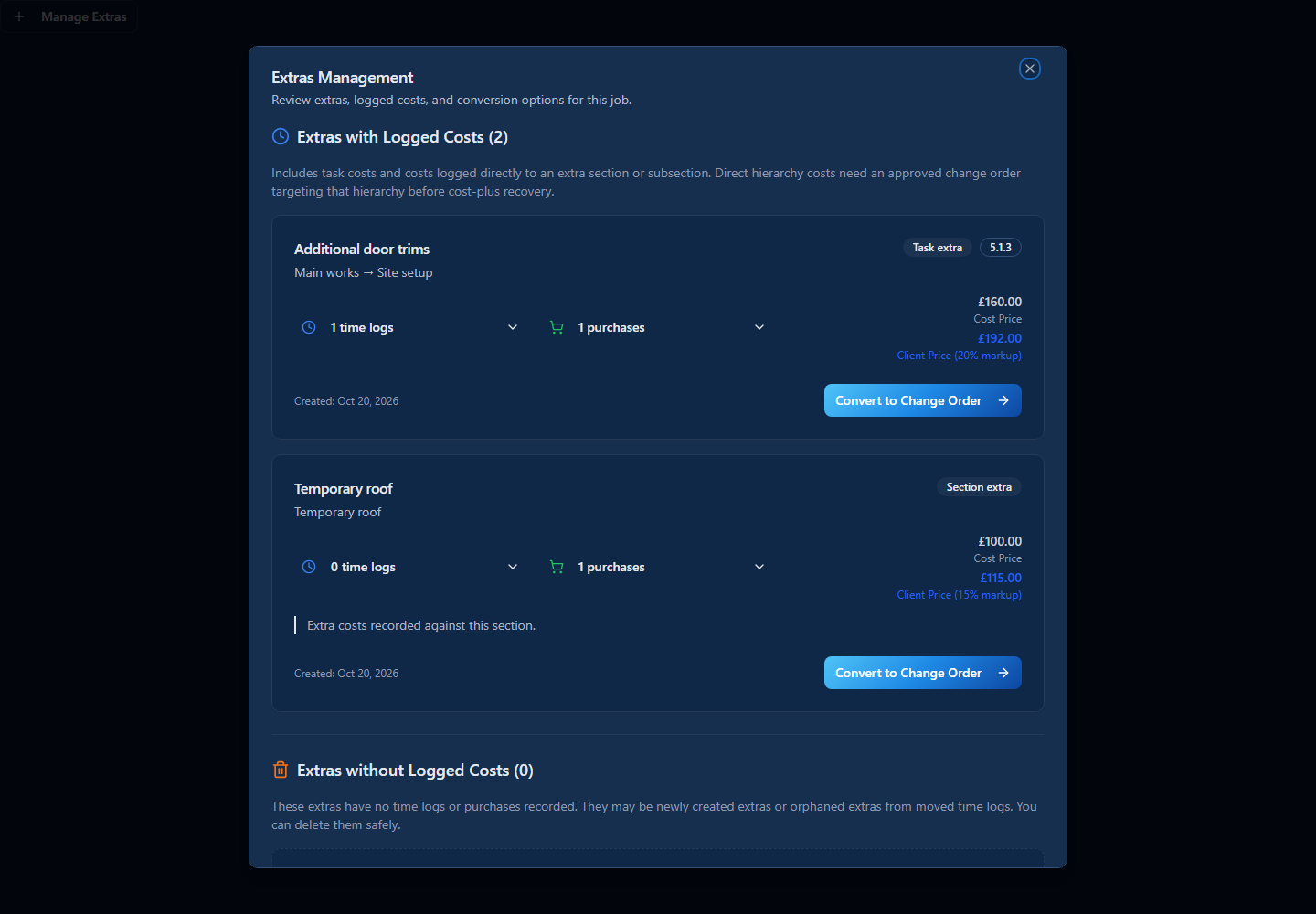
05 · Value and invoice
Review fixed-price or cost-plus valuations, invoices and retention. Follow the job’s commercial position without confusing invoiced work with cash received.
Explore this workflow ↗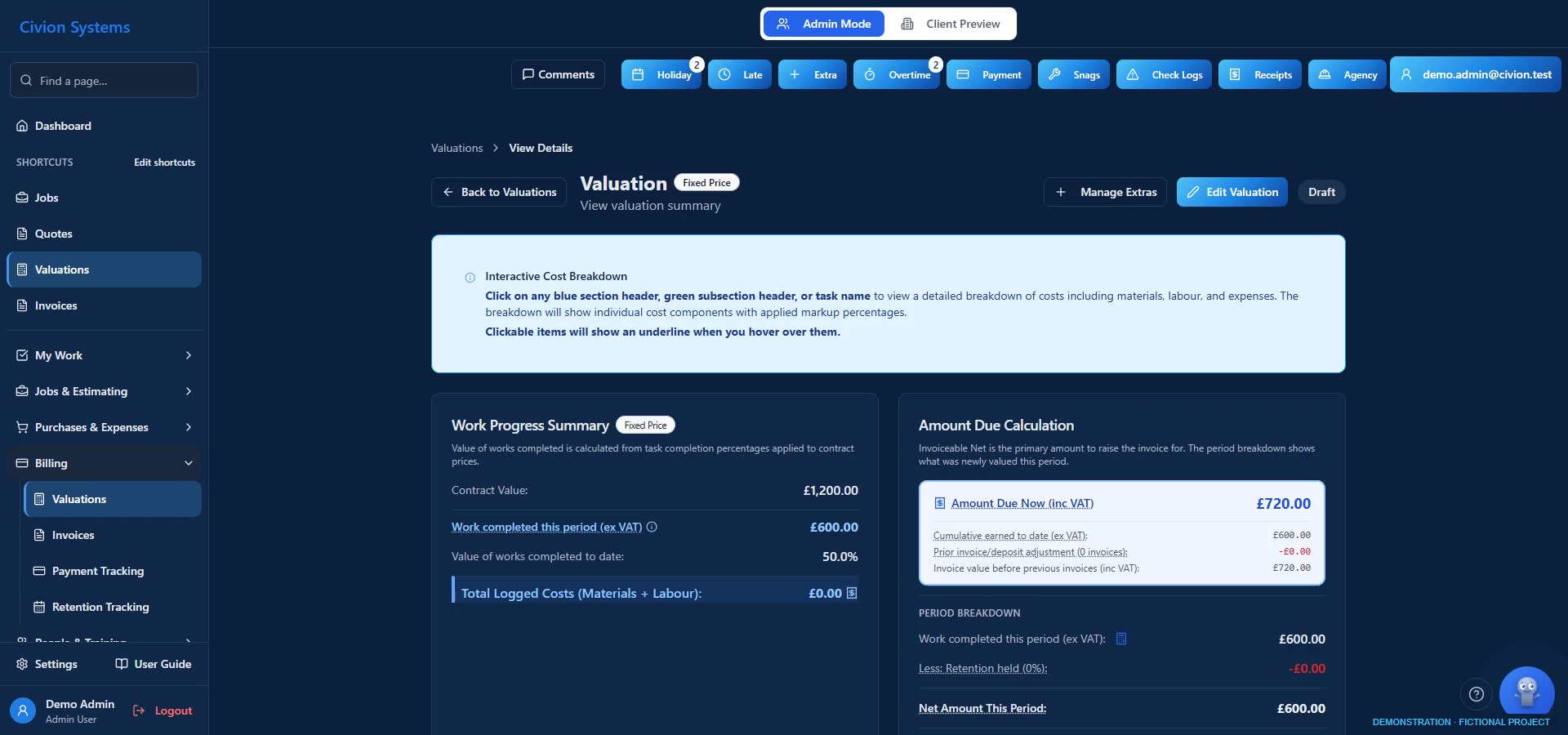
06 · Keep clients informed
Give assigned clients access to the documents, progress photos, quotes and handover records you share. Internal company information stays within the appropriate permissions.
Explore this workflow ↗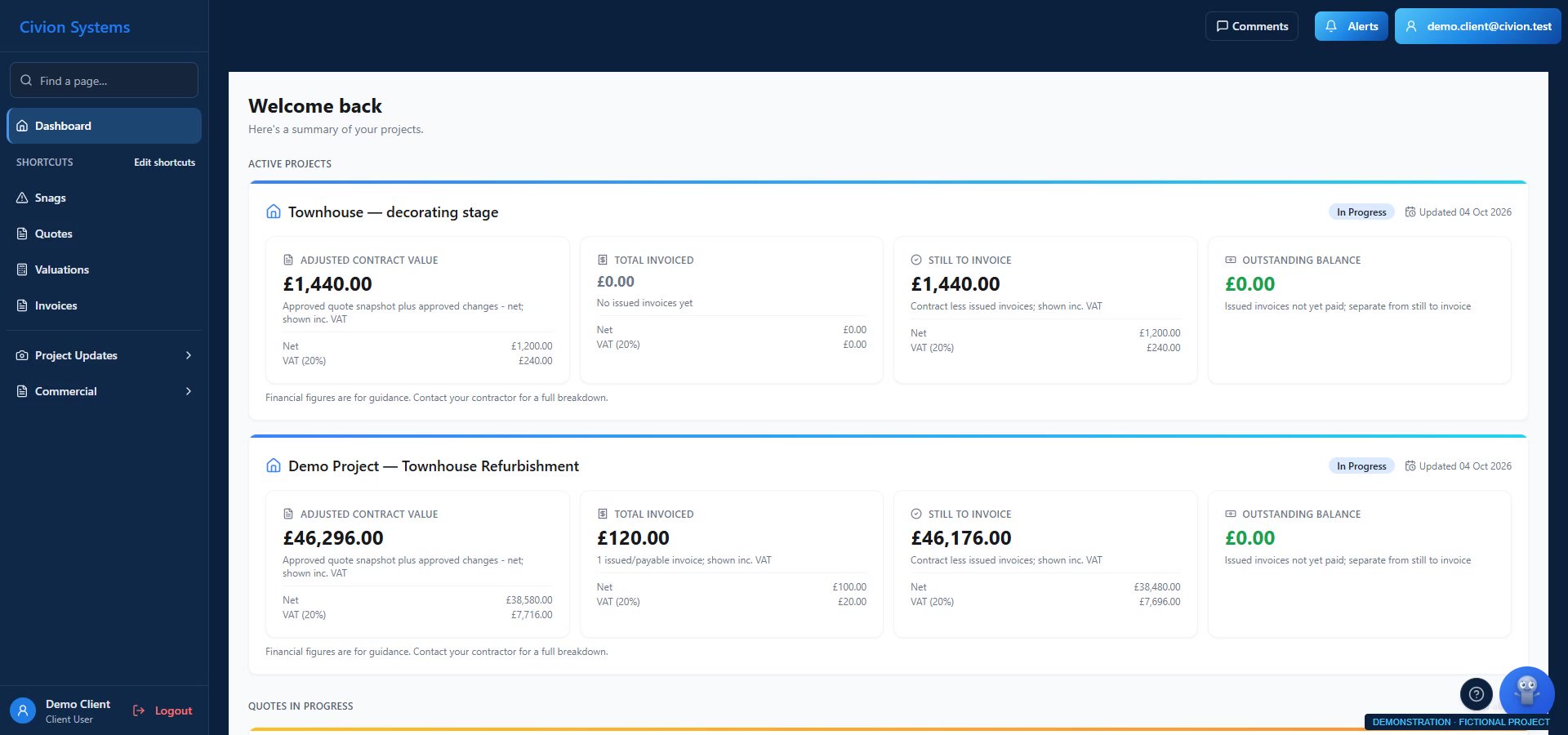
Create your company account, choose a plan and complete card setup. Tutorials and email support are available during the trial.
Start your 14-day trial14 days free. Card required. Your chosen plan renews automatically after the trial unless you cancel beforehand.
Employee and agency workflows, holidays, mileage, documents, safety and training records.
Explore the wider tools ↗Review job performance and use the available Rivet assistance. Features depend on your plan, role and company setup.
Meet Rivet ↗Civion is operated by Atlas Construction Projects Limited. The product brings the detail of building work into the same company workspace.
Our construction background ↗Interested, but not ready?
Keep a link to the job journey and get a personal reply to your questions. We reply manually. This doesn’t create an account or subscribe you to a mailing list.
You can also request the walkthrough by email below.
Plans are priced per company, excluding applicable VAT. Choose your plan in the app; these buttons all start company registration.
50% off for 6 months
£49.50 / month
For 6 monthly payments, then £99 / month at the standard rate.
Per company, excluding applicable VAT.
£99.50 / month
For 6 monthly payments, then £199 / month at the standard rate.
Per company, excluding applicable VAT.
£174.50 / month
For 6 monthly payments, then £349 / month at the standard rate.
Per company, excluding applicable VAT.
See standard plans and pricing ↗
14 days free. Card required. Your chosen plan renews automatically after the trial unless you cancel beforehand.
Create your company and administrator account. Plan selection and secure Stripe card setup follow in the app. Account creation alone does not activate the trial.
Yes, a card is required. No subscription payment is due today. Your chosen plan starts charging automatically after the 14-day trial unless you cancel beforehand. Review the price and renewal terms at checkout.
Use the product tutorials and email support during your trial. A personal onboarding session is included after your first successful subscription payment; it is not included before then.
View the tutorials ↗The signup offer is for companies joining Civion for the first time, including established businesses. Eligibility and any available discount are confirmed at registration and reviewed at checkout.
14 days free. Card required. Your chosen plan renews automatically after the trial unless you cancel beforehand.
Prefer to keep in touch? Follow Civion on Facebook ↗